Select Words Comfortably on a Small Screen
Choose a comfortable grid size and use deliberate start-and-end selections when precise dragging is awkward.
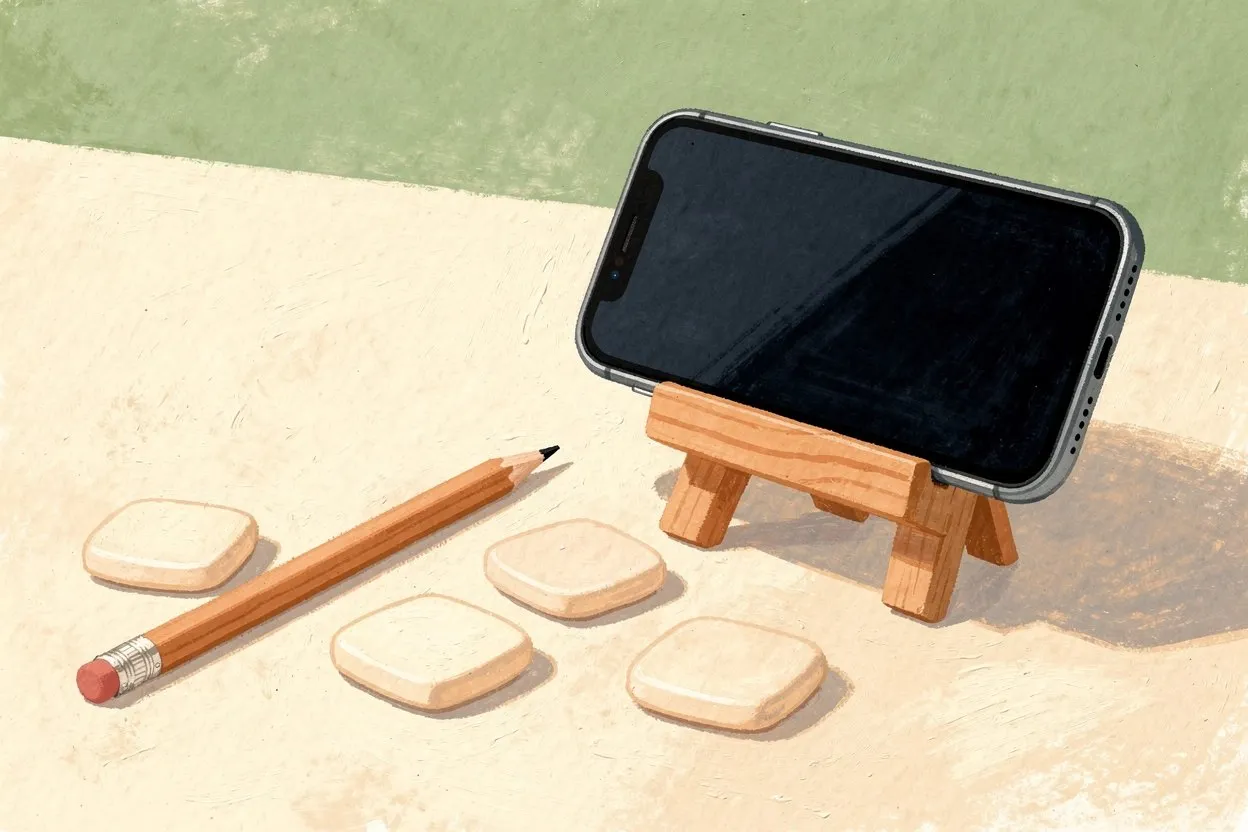
Small-screen play works best when the letters remain readable and the selection method does not fight your hand position. Before starting a large puzzle, take a moment to find a comfortable view. A smaller grid can be a better choice than repeatedly zooming a dense one. The aim is accurate, relaxed selection, not proving that you can hit the smallest possible cell.
Give the grid enough room
Close any on-screen keyboard that is no longer needed and position the page so you can see the grid and relevant controls. Keep the phone in the orientation that feels most comfortable. If a wider view helps, check that the page remains usable after rotating rather than assuming that every layout behaves identically.
Choose a suitable difficulty or grid size before starting. More cells mean less space per letter on a narrow display. If the available grid is difficult to read, use a smaller puzzle or a larger screen instead of trying to compensate by pressing harder or moving faster.
Understand the selection method
The word search game should make the selected cells visible as you work. Follow the interaction described on the page. When a tap-based start-and-end method is available, select the first and last cells of the word in order, then inspect the resulting path.
Do not assume that touching every intermediate letter is required. Equally, do not assume that a long press opens a game action; it may invoke a browser function instead. Read the controls and test a short, obvious word before building a strategy around an unfamiliar gesture.
Check the path, not just the endpoints
A straight-line word needs aligned endpoints. An accidental cell one row above the intended endpoint can create a diagonal or invalid selection. Before retrying, compare the highlighted path with the spelling in the word list. This often reveals whether the problem was the path or the word you were looking for.
For a reversed word, the selection order may matter according to the game’s rules. Check those rules instead of repeatedly choosing different cells at random. If an attempt is rejected, clear or restart the selection using the visible controls, then make one deliberate new attempt.
Keep the word list accessible
On a phone, the grid and full target list may not fit on the screen together. Pick one word, remember its spelling and length, then return to the grid. After finding it, revisit the list rather than relying on a growing memory of every remaining target.
Long words can be easier to track if you break the spelling into a recognizable beginning and ending. This is a search aid, not permission to select only part of the target. Always confirm the complete sequence before marking the word.
Use a comfortable alternative
If touch selection remains awkward, try the keyboard controls provided by the page or open the same site on a larger device. Saved progress does not automatically transfer between browsers or devices. Keep that limitation in mind before switching midway through a puzzle.
You can also use the puzzle maker to create a shorter list with shorter words. Adjusting the puzzle to the screen is often more useful than forcing a difficult layout to fit your session.