Keep a Small Personal Puzzle Collection
Organize a few favorite themes and source lists while understanding the limits of browser-only saved progress.
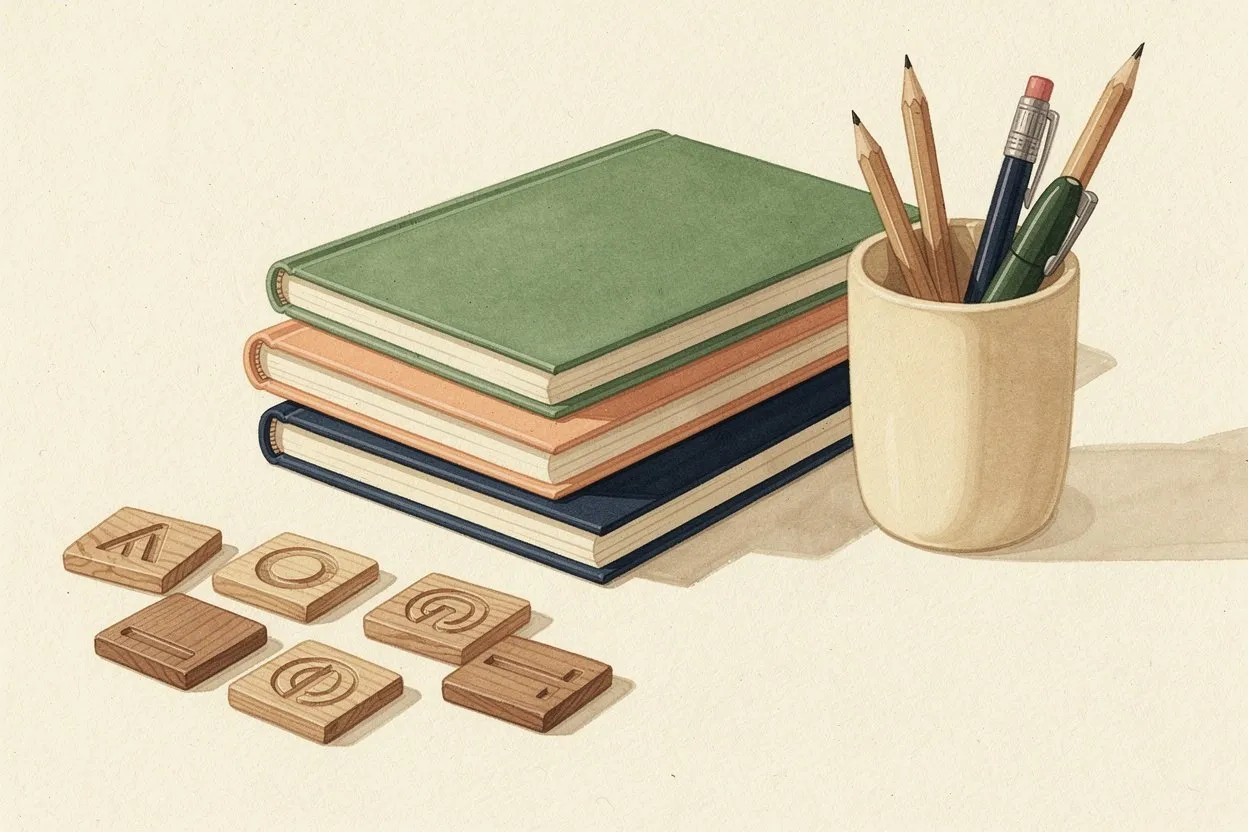
A personal puzzle collection is easiest to use when it stays small enough to recognize. A few clearly named themes, clean source lists and notes about suitable grid sizes are more useful than many unlabeled versions. The collection can support repeat play without pretending that every generated grid is permanent or that local browser records are a cloud library.
Give each theme a useful name
Choose a name that explains the contents, such as “Garden tools — short list” or “Kitchen utensils — medium grid.” A title like “Puzzle 7” may distinguish a file today but gives little help when you return weeks later. Include a version note only when it represents a meaningful change.
Keep the theme separate from a particular generated arrangement. The same words can be placed differently when you generate again. A source list is therefore a reusable ingredient, while the current grid and its progress describe one play session.
Preserve the words you selected
Keep a plain-text copy of any list you want to reuse. Check spelling before saving it and avoid collecting duplicate versions that differ only by accidental spaces or capitalization. A short note can record whether the list uses singulars, plurals or a particular spelling convention.
Use the puzzle maker to revise a list deliberately. If you replace a word, update the source copy too. Otherwise the list in your notes and the list in the current puzzle can drift apart, making later edits harder to understand.
Record settings that affect the experience
Note the grid size and any available direction or difficulty settings that worked well for the list. This is especially helpful when a theme contains one long word that needs more room. Also note the device on which you tried it if screen size affected readability.
These notes are preferences, not universal difficulty ratings. A puzzle that feels comfortable on a tablet may be cramped on a small phone. Recheck the actual display when you change devices rather than treating a saved setting as a guarantee.
Understand local persistence
The word search game can retain work in the current browser when storage is available. That data does not automatically synchronize to another browser, a different phone or a separately installed app. Clearing site data or removing an app may erase the records.
Use the site’s saved-work controls to inspect or clear local data, and keep a separate copy of important source lists. If the page reports that storage is blocked or full, do not assume that a completed action has been preserved for the next visit. The current page may continue to work even when persistence is unavailable.
Review rather than endlessly accumulate
Occasionally remove themes you no longer want, merge duplicate notes and correct unclear titles. Keep a few favorites ready for different kinds of sessions: a short familiar list, a longer themed list and perhaps one custom experiment.
A useful collection supports choosing and playing. It does not need invented ratings, public rankings or a large number of entries to feel complete. Clear organization and reliable source lists make it easier to return to the activity you actually enjoy.