Match Word Length to the Size of Your Grid
Choose grid dimensions and target lengths together so the puzzle remains both placeable and readable.
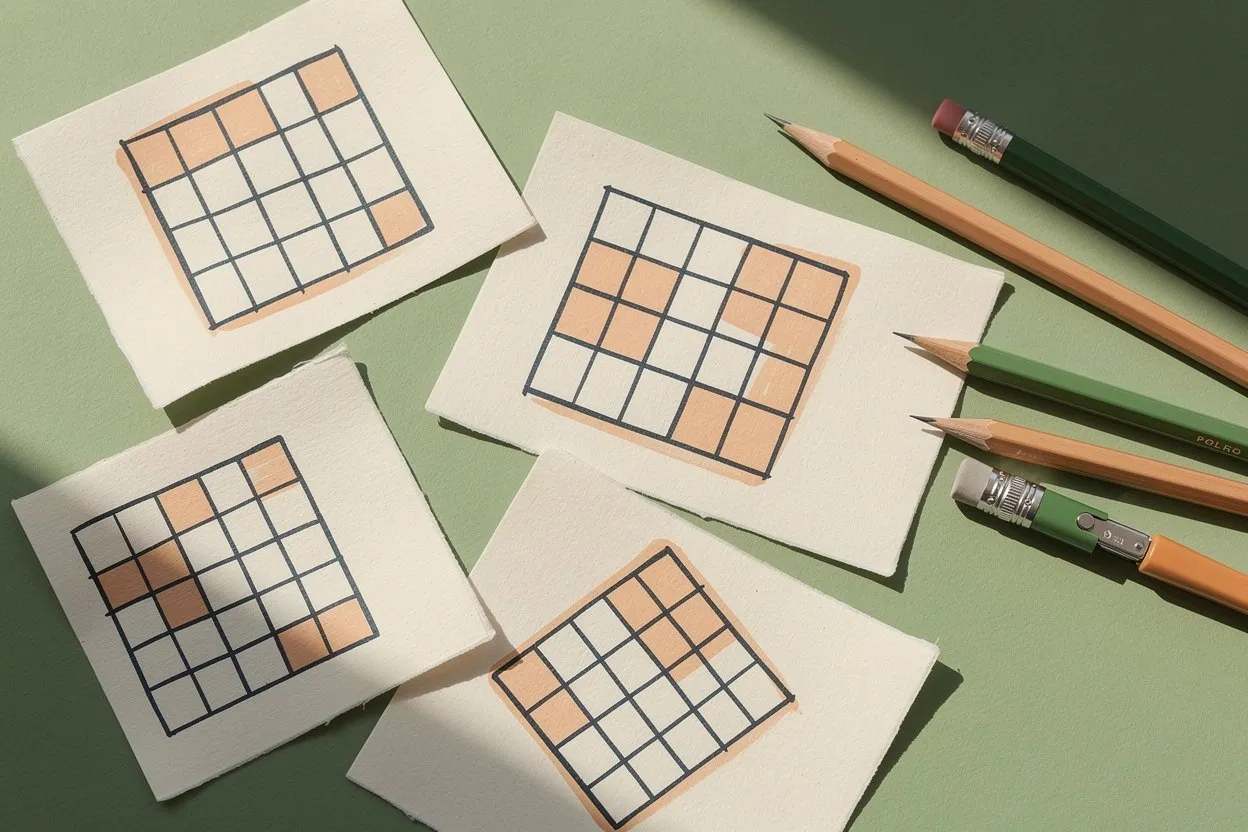
Grid size affects two different things: whether the words can be placed and whether the player can read the result comfortably. A larger grid creates more possible positions but also more letters to inspect. On a phone, it may make each cell smaller. Choose size and word list together rather than treating the largest available grid as the default solution to every problem.
Check the longest target first
For a straight-line word search, the longest word needs a line of enough cells in an allowed direction. A ten-letter target cannot fit into an eight-cell row. Other permitted directions may change the available placements, but they do not make the word bend around corners.
Read the maker’s supported sizes and directions before choosing the list. If an entry is too long, decide whether it is essential to the theme. A shorter related word may be better than enlarging the entire grid for one awkward target.
Consider the rest of the list
The longest word is only the first constraint. Several long words need more suitable placement opportunities than a few short words. Overlap between compatible letters can help, but it should not be assumed to solve every crowded arrangement.
Start with a small list in the puzzle maker and add entries gradually if needed. When the tool cannot place the complete list, revise the size or words and check the new result. A visible grid is not sufficient evidence that every requested target was included.
Match visual density to the device
Open the puzzle at the size at which it will actually be played. Check whether the letters are readable without leaning close to the screen and whether a finger can select the intended endpoints reliably. A technically valid puzzle can still be inconvenient on a narrow display.
If the grid feels cramped, reduce the number of cells or use a shorter list. A larger screen is another option, but progress saved in one browser does not automatically appear in another. Consider the playing device before starting a session you intend to continue later.
Balance word lengths for variety
A mix of lengths can create a more varied search than a list containing only the shortest possible words. Longer targets sometimes have distinctive sequences that make them easier to notice. Short targets made from common letters can occur in many plausible places and require careful checking.
Choose words that support the theme rather than manipulating length alone. A familiar object name is often more satisfying than an obscure synonym selected only because it fits a particular number of cells. Review spelling and readability before treating the list as final.
Test a complete play sequence
Try several selections in the word search game, including a target near a corner and one using a different allowed direction. Check that the grid remains usable after scrolling or rotating the device. Use tap-based selection when dragging is uncomfortable.
Keep a note of the list and size that worked well. The useful result is a repeatable combination that suits your players and device, not a claim that one grid size is universally easy or difficult.